

Resolving and Feedback
Resolving Your Help Request
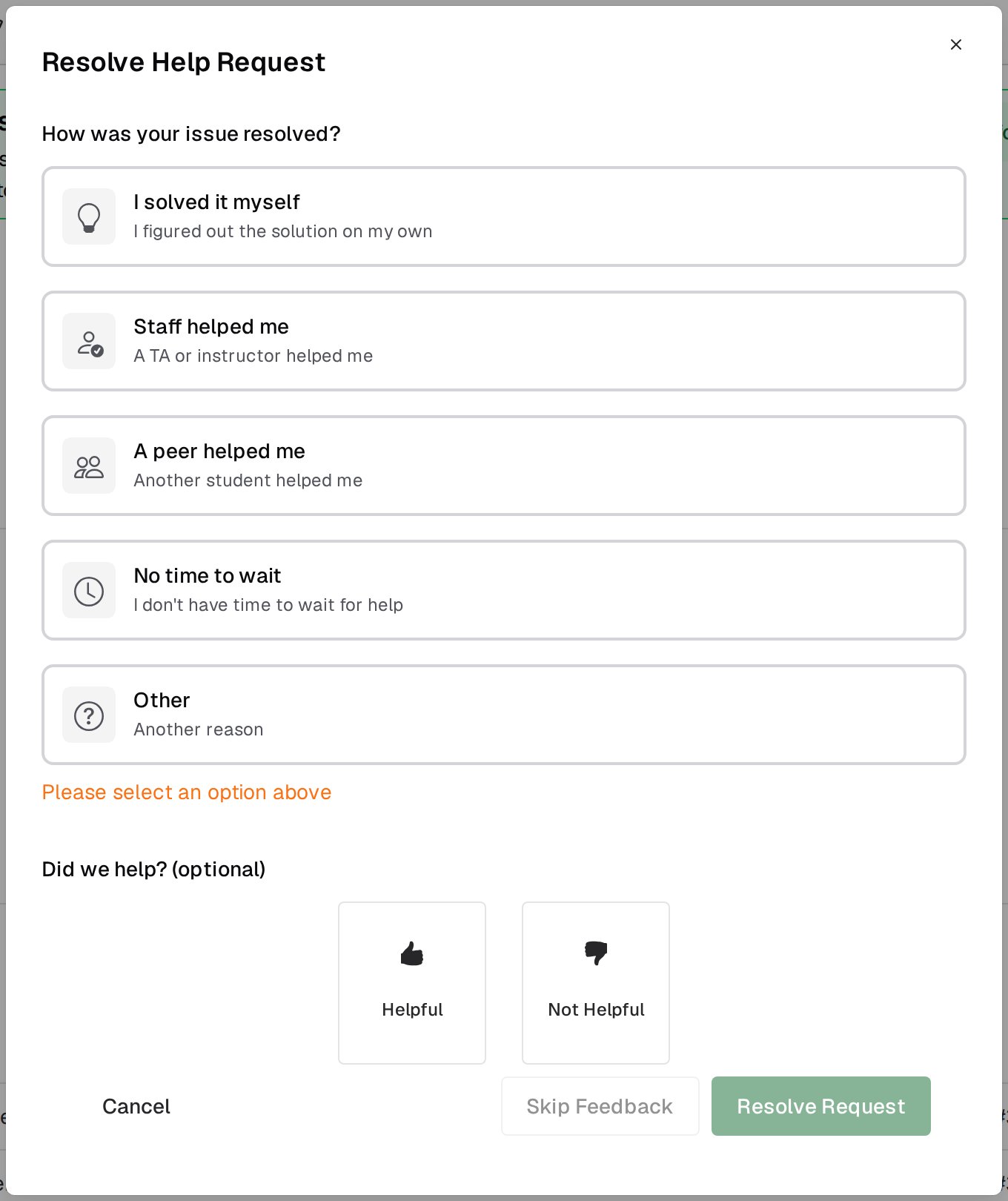
Resolve your own request from the Resolve button in the request header, which asks you to confirm first, or from the check-mark button on the floating widget, which opens the dialog straight away. Pick the status that fits:- I solved it myself
- Staff helped me
- A peer helped me
- No time to wait
- Other, which asks you for a note
Staff can also mark your request resolved. When they do, no resolution status is recorded for it.
See also
- During Your Request for the request page and its chat.
- Office Hours for browsing queues and reading resolved requests from your classmates.